


You don't need to be a computer person to avoid most tech disasters. A few small habits cover the majority of problems we see again and again.
Someone spilled a drink near their laptop. They wiped it off, waited a minute, and turned it back on to check if it still worked. That one decision turned a fixable situation into permanent data loss.
Here's what to know.
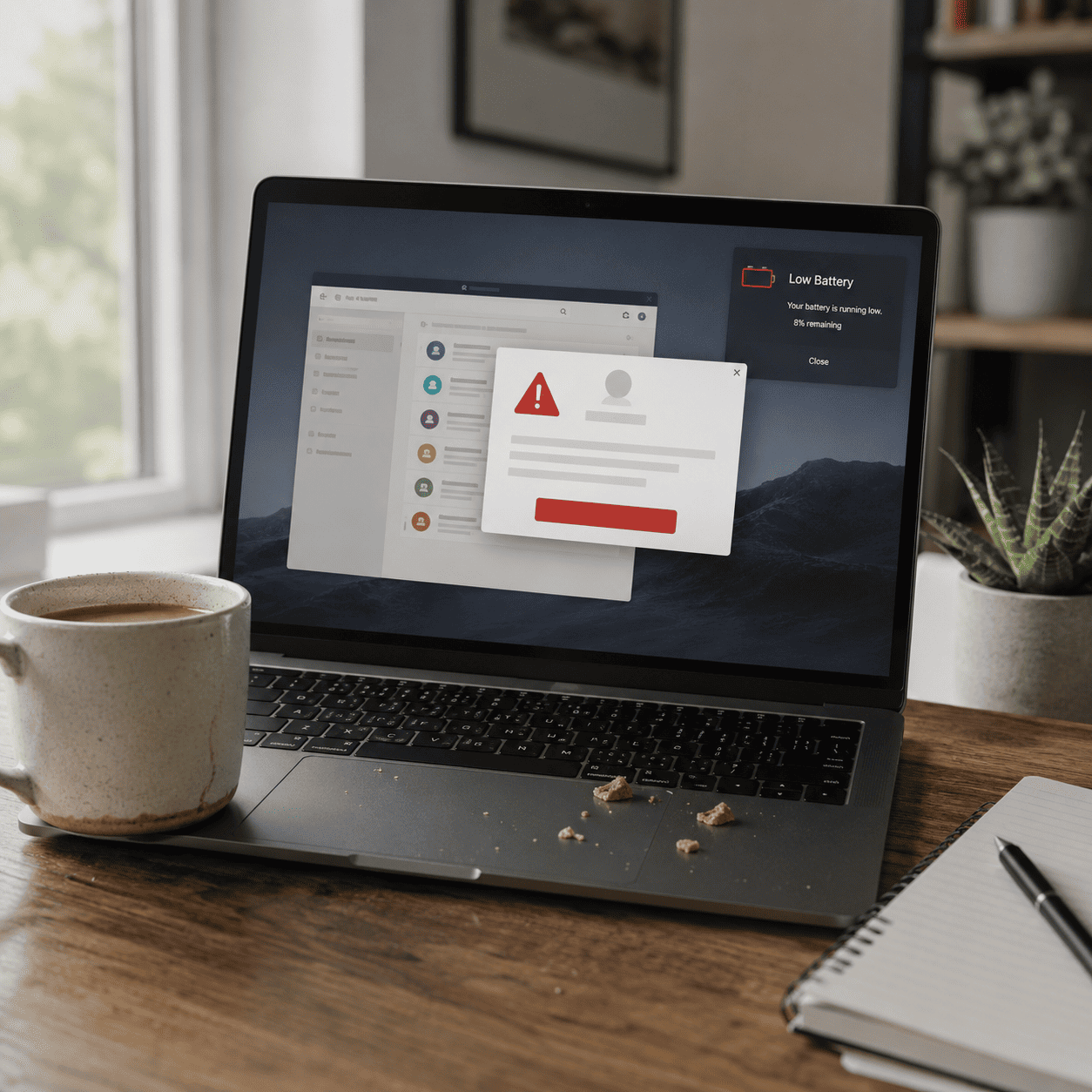
Sudden shutdowns can corrupt files and cause serious system problems. One of the most common repairs we handle is (literally!) setting laptops that weren't left with enough charge while sleeping.
Closing the lid puts it to sleep. It's still using power. Plug it in or shut it off before you go to bed.

A lot of damage starts with one click. A message looks normal. A link looks familiar. Something installs, something changes.
If something feels off, skip it. Don't click links you weren't expecting, don't download files out of nowhere. A second of hesitation saves hours of repair.
Quick Google fix + AI-generated steps sounds convenient. But in our experience, following instructions you don't fully understand is one of the most common ways a small problem becomes a big one.
If something feels unfamiliar, pause before making any major changes.
Dust and dirt affect performance over time. Keep the vents clear, avoid eating or drinking over the keyboard, and use a soft cloth to wipe it down. Keyboards today are fully integrated and expensive to replace.

Spills happen. What you do in the next 60 seconds matters more than you'd think.
If your laptop gets wet: turn it off immediately, unplug everything, and don't try to dry it with heat. Get it to someone who can help as soon as possible. Many cases of permanent data loss come down to that one moment of "let me just see if it still works."
Restart once a week, close out unused tabs and programs, and install updates when they come up. That's it. Small habits keep things running.
Rubin IT is the go-to for English speakers in Israel when it comes to computers and tech. Whether you're setting up a new laptop or tablet, dealing with a problem, sorting out internet issues, or just need an accessory, they've got it covered. The kind of place you want to know about before you need it.
Rubin IT 02-563-6018 | 732-523-5479 | support@rubinit.net | rubinit.net



.png)

.png)
.svg)